

Platform Access vs. Investment Account
Creating a BIASafe account gives you access to the platform workspace, including the Model Engine, Model Marketplace, and model backtesting tools.An investment account is only required when you are ready to move from research to live execution.You will be prompted to open an investment account when you want to:
- Deploy a model to production
- Allocate capital to a live model portfolio
- Activate portfolio management
Sign In
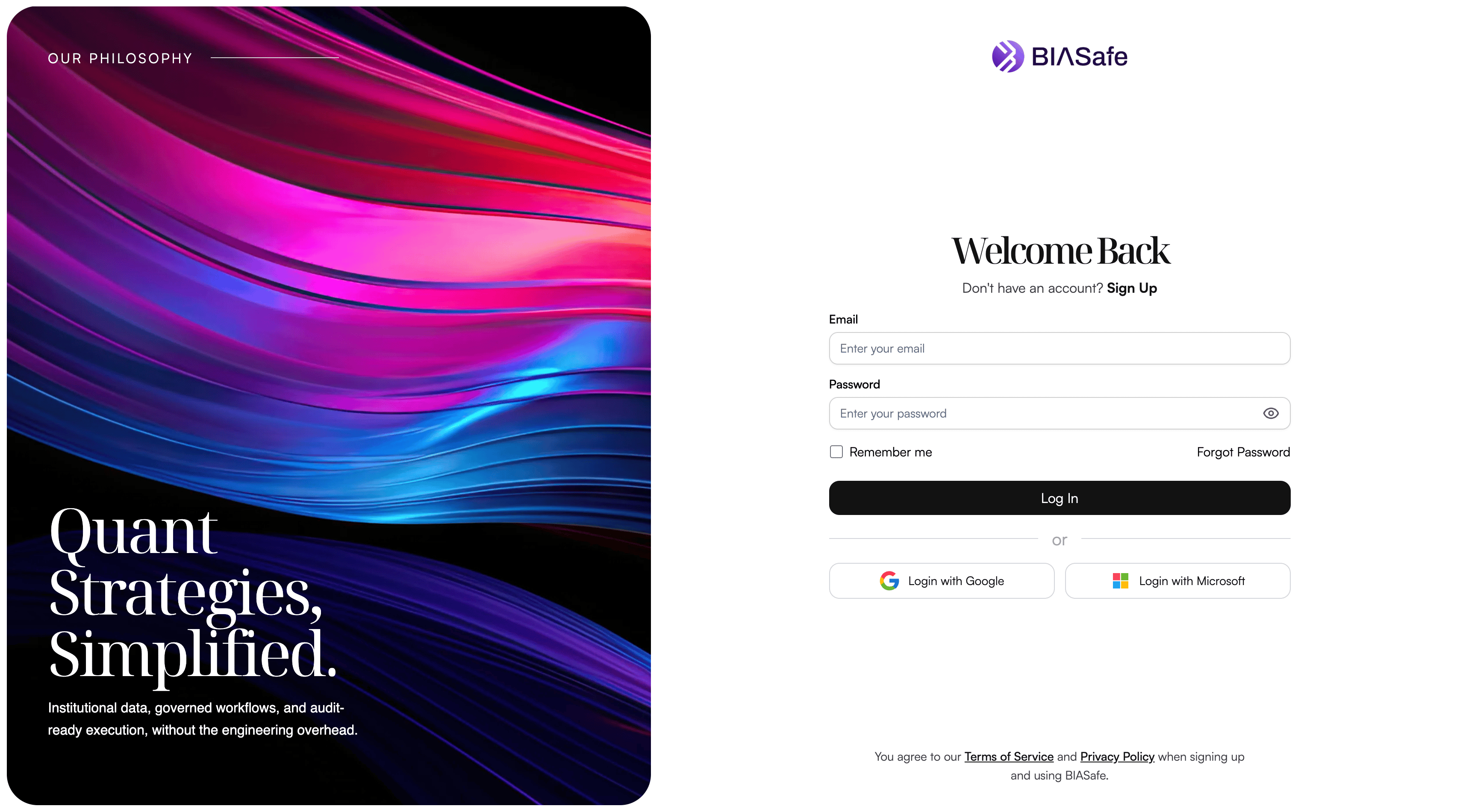
Enter your email and password, then click Log In
You can also sign in using supported providers such as Google or Microsoft.
Forgot Password
If you forget your password, you can reset it from the login page.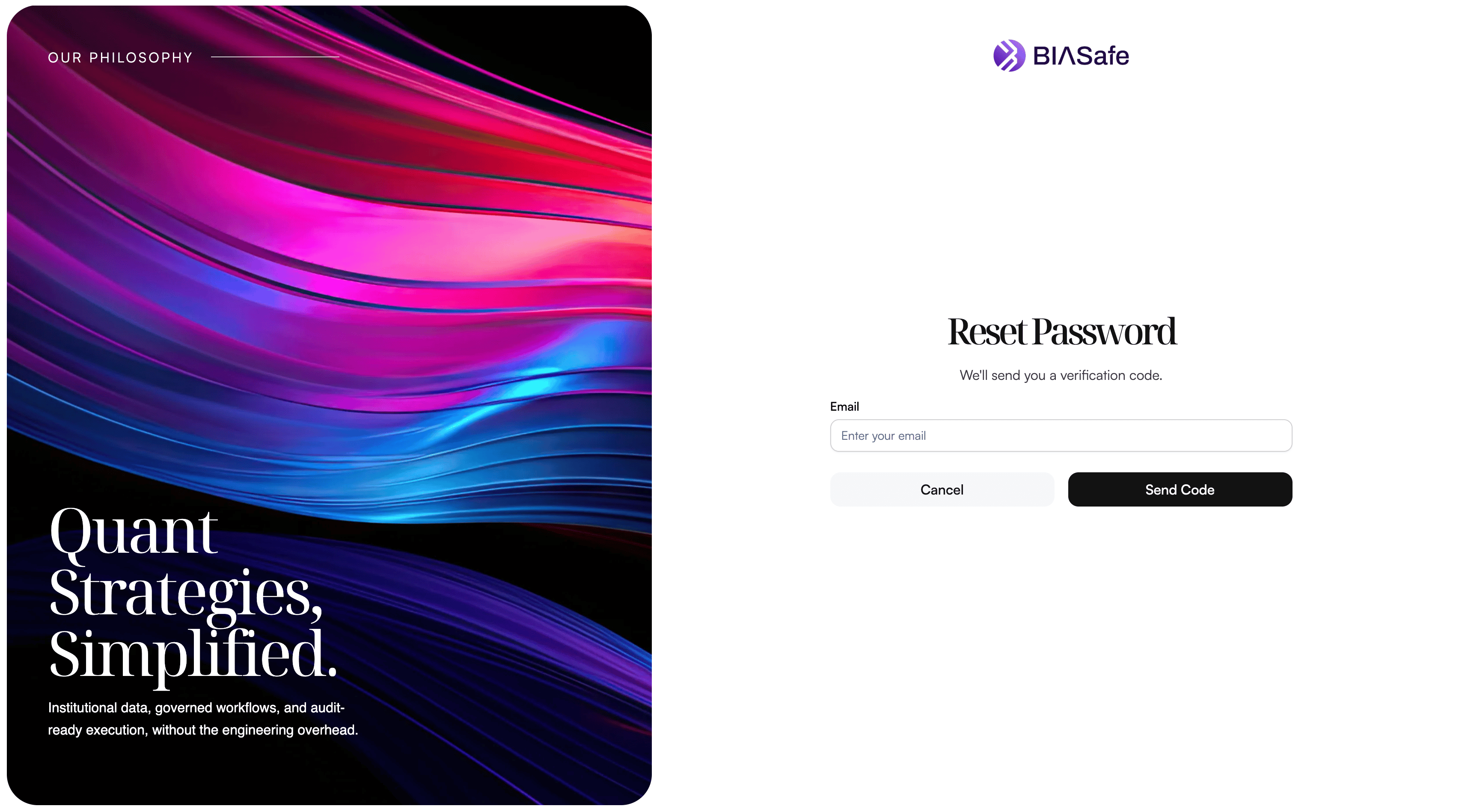
Enter your email
Click Forgot Password, then enter the email address associated with your BIASafe account.
Verify your identity
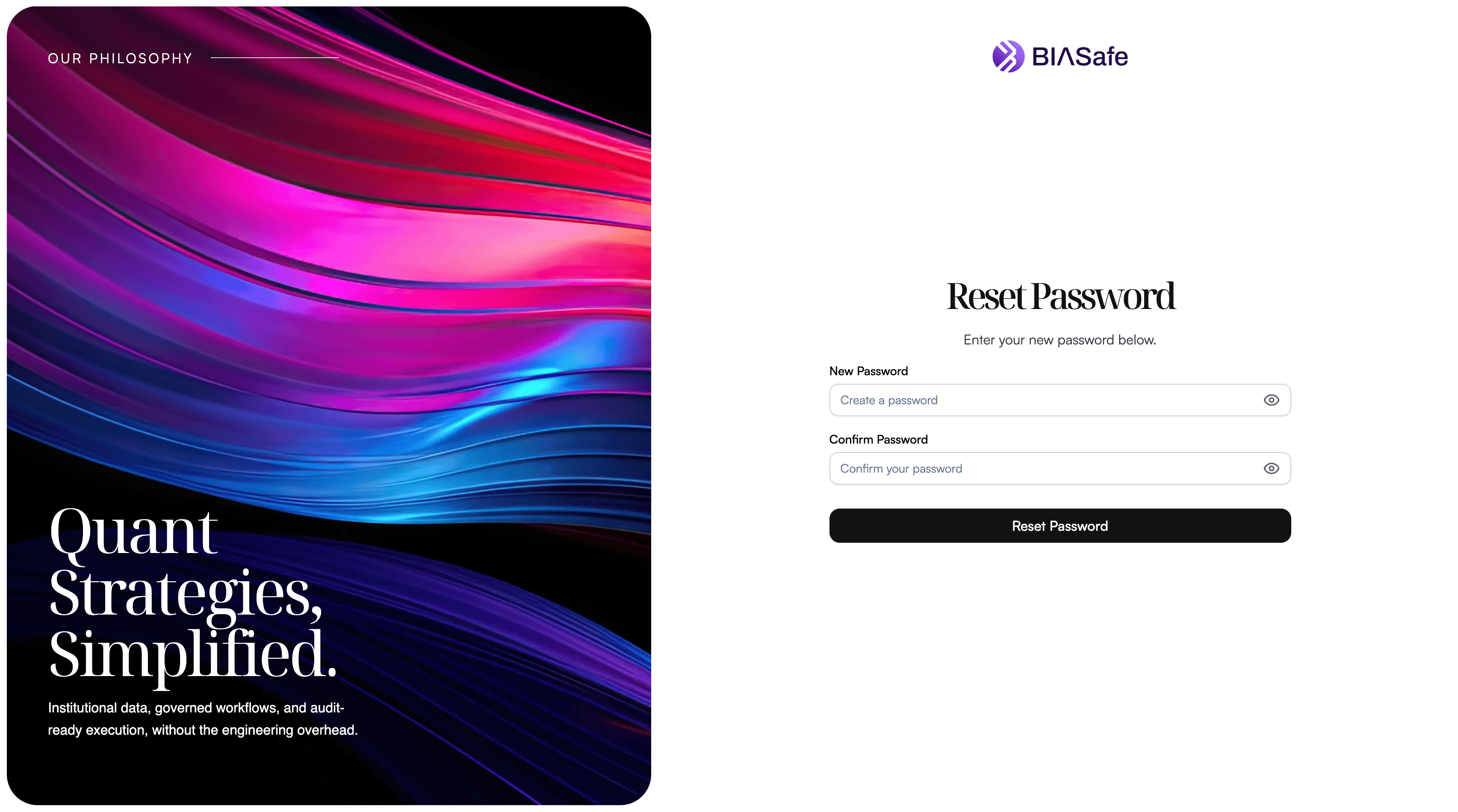
BIASafe sends a verification code to your inbox. Enter the code to confirm that you own the email address.You can request a new code every 30 seconds.
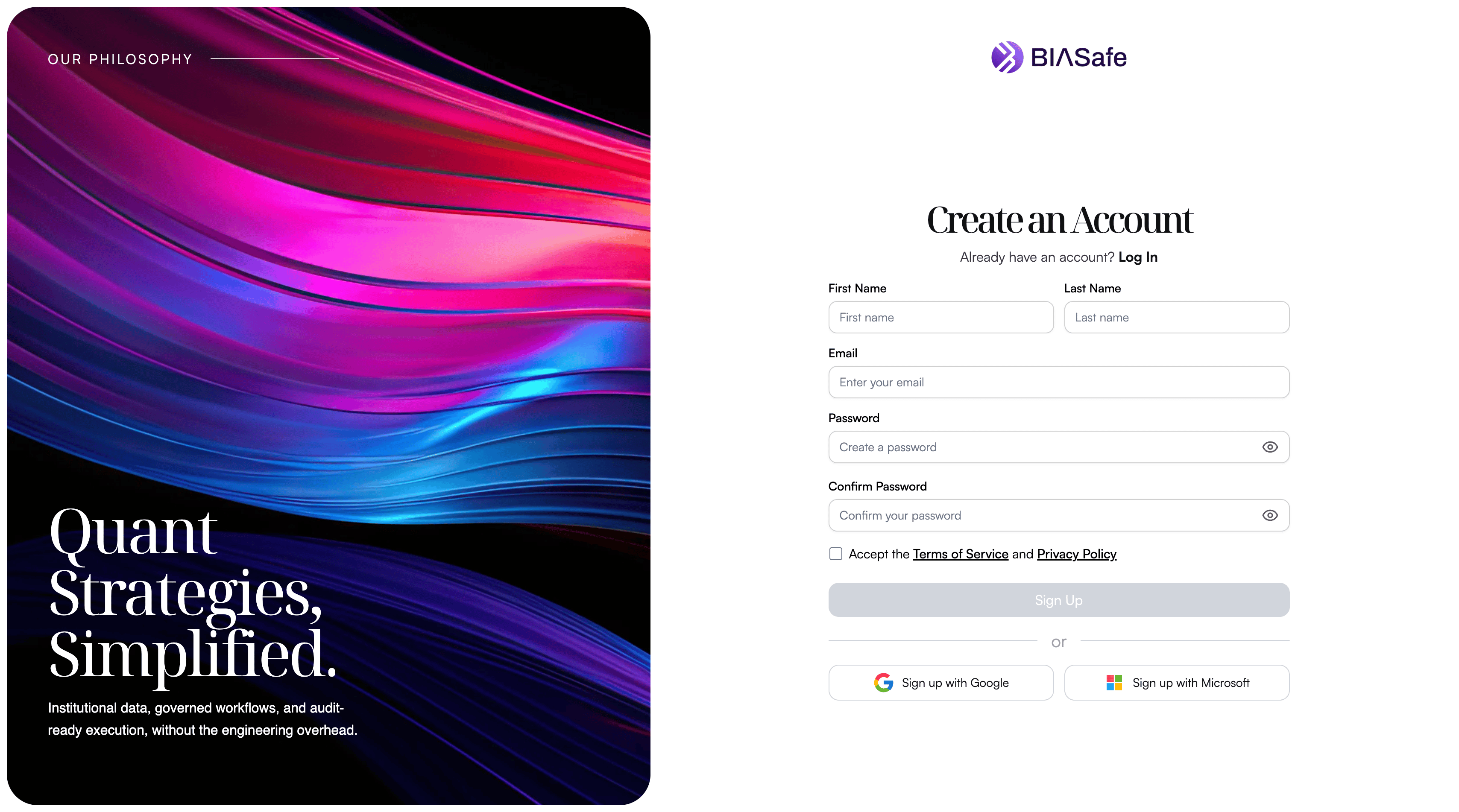
Sign Up
To get started, create your BIASafe account using a simple signup process.You can create your account with an email and password, or sign up with a supported provider such as Google or Microsoft.
Create a secure password
Your password must meet BIASafe’s security requirements:
- At least 10 characters
- One uppercase letter
- One lowercase letter
- One number
- One special character
- No commonly compromised password
- No match with your last 5 passwords
Verify your email
Enter the verification code sent to your inbox. You can request a new code every 30 seconds.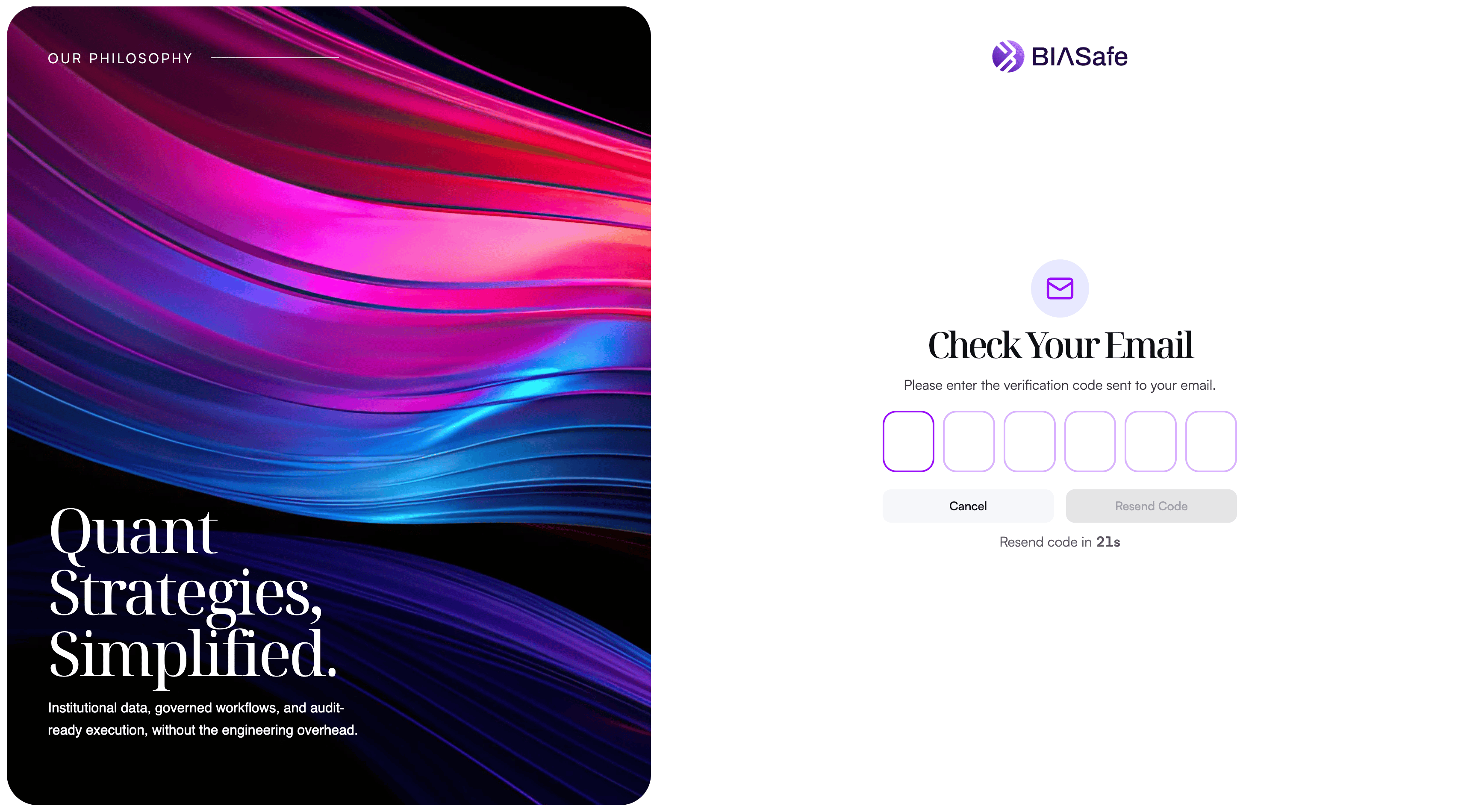
Onboarding Questionnaire
After creating and verifying your BIASafe account, you will complete a short onboarding questionnaire. The questionnaire helps BIASafe set up the right workspace experience based on whether you are using the platform as an individual investor or as an institution. It only takes a few steps and uses simple selections to understand your profile, investment needs, and initial platform goals.This onboarding step does not open an investment account and does not create a live portfolio. It only configures your platform workspace.
Choose Your Workspace Type
The first step is to choose the type of workspace you want to create.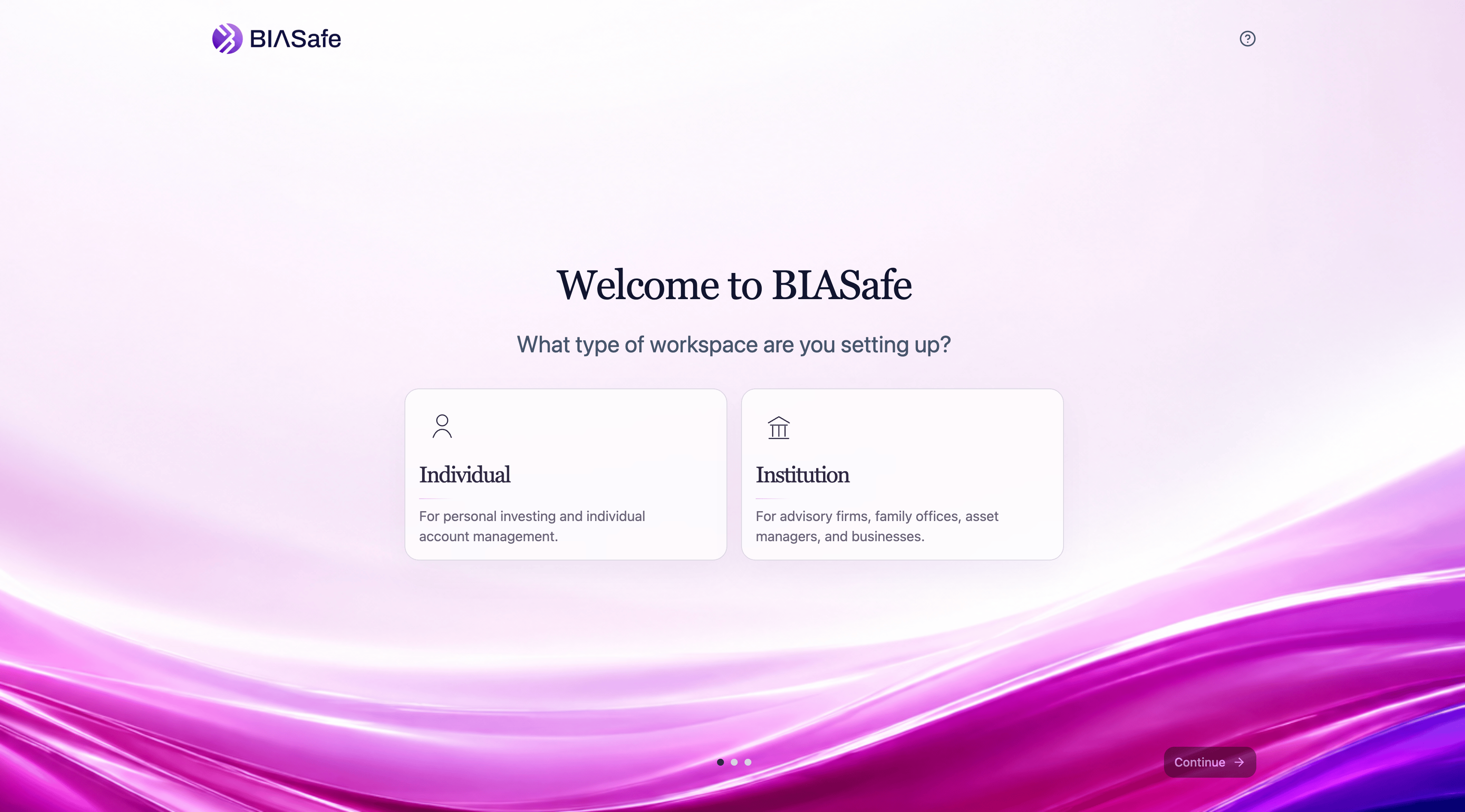
Individual
Select Individual if you are using BIASafe for personal investing and individual account management. This path is designed for users who want to explore direct indexing, custom model portfolios, backtesting tools, and personal portfolio implementation.Institution
Select Institution if you are using BIASafe on behalf of an advisory firm, family office, asset manager, business, or other organization. This path is designed for teams that need institutional workflows, team access, model development, reporting, rebalancing, client onboarding, or portfolio monitoring tools.Individual Onboarding
If you select Individual, BIASafe asks a few questions to understand your investing profile and platform needs.Investor Experience
Select the option that best describes your investing experience.Planned Investment Amount
Available ranges may include:- Under $25K
- $25K–$100K
- $100K–$250K
- $250K–$1M
- $1M+
Investment Goal
Select your main investment objective. Available options may include:- Grow Capital
Aim for higher long-term returns. - Diversify Wealth
Build broad market exposure in a personalized way. - Generate Income
Focus on dividends, cash flow, or income-oriented strategies. - Preserve Capital
Prioritize lower-risk wealth preservation.
Risk Tolerance
Select the risk tolerance level that best fits your investment profile. Available options may include:- Very Low
- Low
- Moderate
- High
- Very High
Institutional Onboarding
If you select Institution, BIASafe asks a few questions to understand your organization type, scale, and intended use case.Institution Type
Select the category that best describes your organization.| For firms managing funds, mandates, or model strategies. | |
| For advisory firms managing portfolios for individual clients. | |
| For organizations managing wealth for one or more families. | |
| a | For corporations, foundations, pensions, or other owners of institutional capital. |